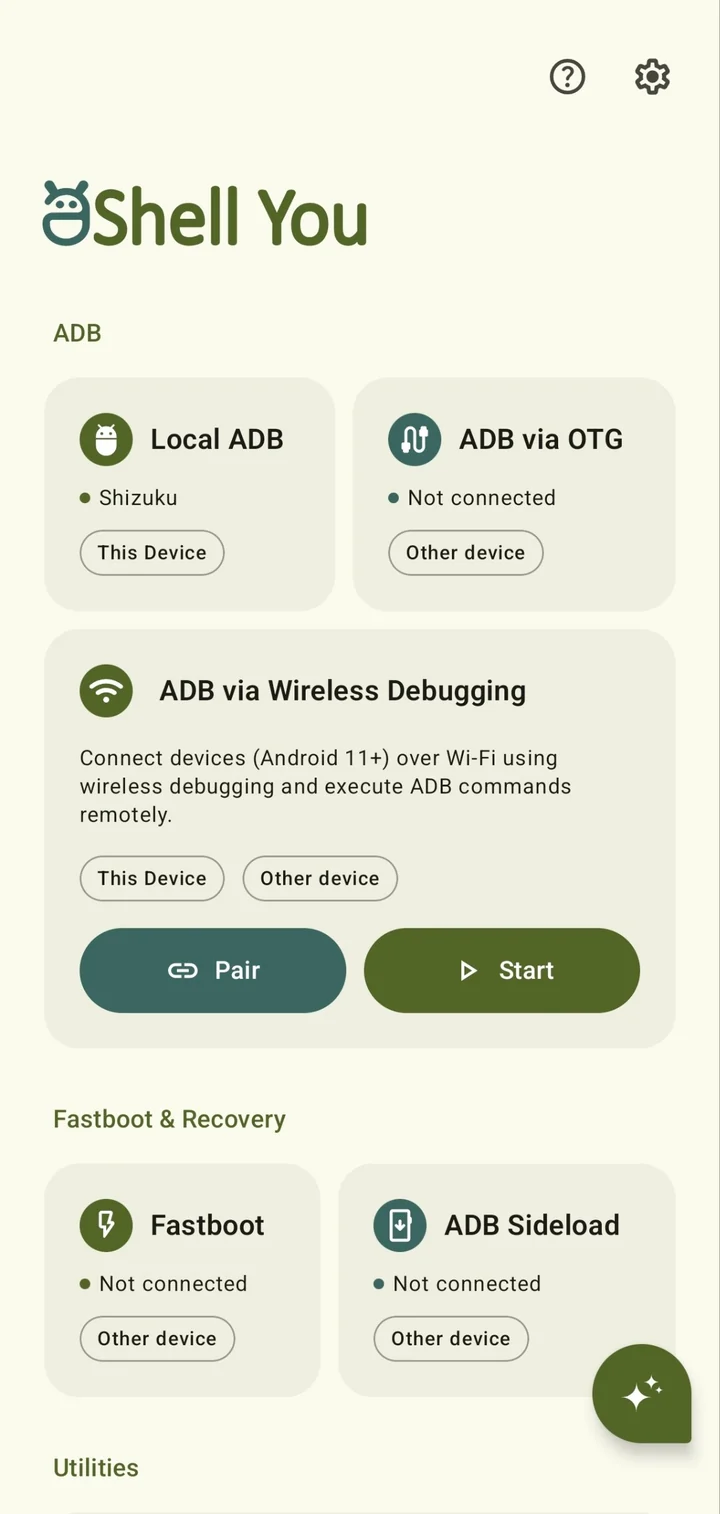
Local ADB
Shizuku, root or basic shell
Commands on this phone. Shizuku warms up at launch so the first command starts instantly, root goes through su, and basic shell needs nothing at all.
- This device
Run shell, ADB and fastboot commands on this phone or any other Android device. Mirror screens, read logs, flash partitions and move files, straight from your pocket.
Free and open source · GPL-3.0 · Android 9 and newer
The app opens on one screen with every way in. Here is that screen, card by card.
Shizuku, root or basic shell
Commands on this phone. Shizuku warms up at launch so the first command starts instantly, root goes through su, and basic shell needs nothing at all.
No root or Shizuku needed
Plug another Android device into yours with an OTG adapter. Shell, files, logcat, mirroring, fastboot and sideload all run over the cable.
Pair this phone with itself by typing the code into a notification, or pair another device on your Wi-Fi with a QR code or a six-digit code. Android 11 and newer. Saved devices reconnect in one tap, and real adb verbs like tcpip, reboot and remount work too.
New in v8
Flash partitions, read variables, wipe userdata and reboot to system, bootloader, recovery or fastbootd.
New in v8
Send an OTA ZIP to a device in recovery. Progress stays in a notification while you use other apps.
New in v8
Live logs from this phone or another, with stacked filter profiles by package, tag, PID and level.
New in v8 · GitHub build
Ask in plain words. It reads diagnostics and runs commands, each one waiting for your approval.
Four screens from the v8 pre-release. Pick one.
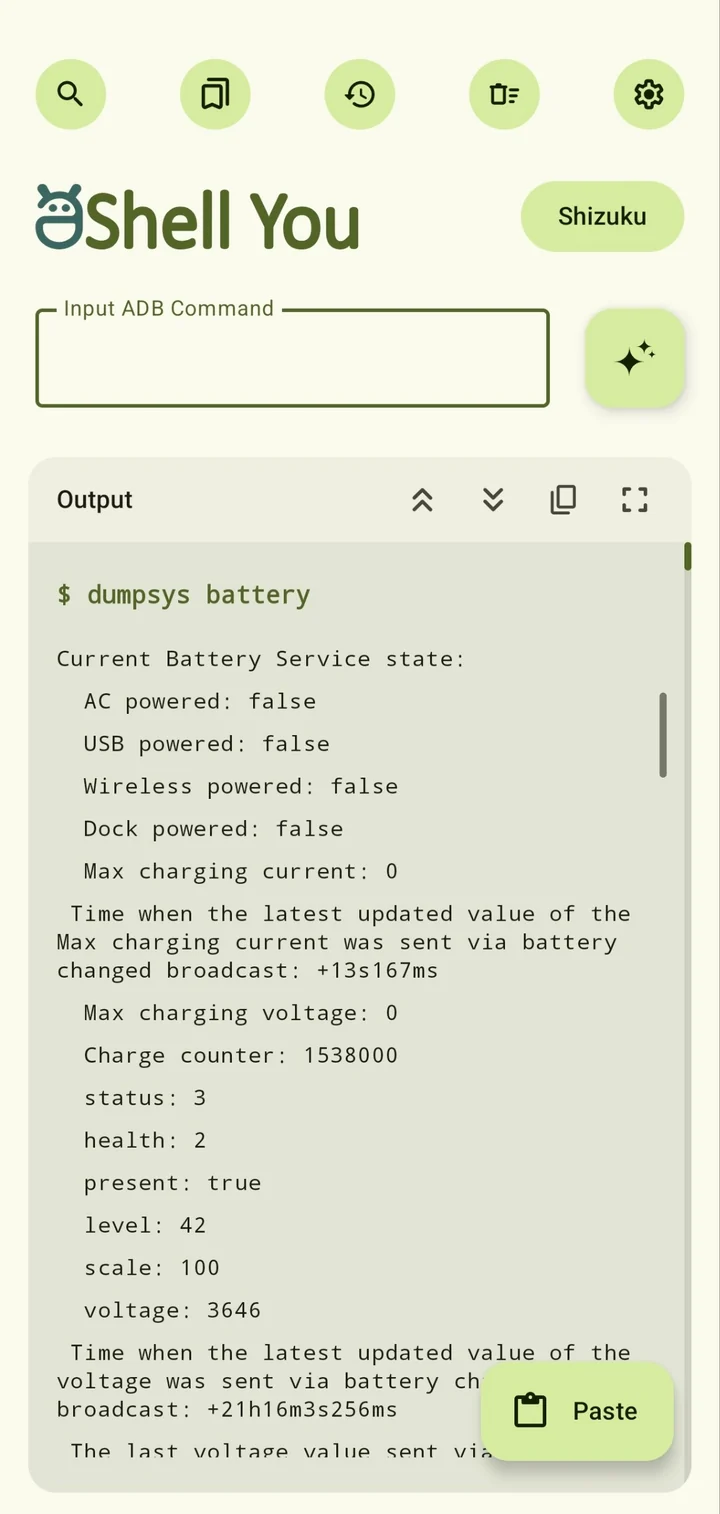
Continuous output for logcat and top, an Abort button that stops the process, and suggestions for commands, package names and permissions while you type.
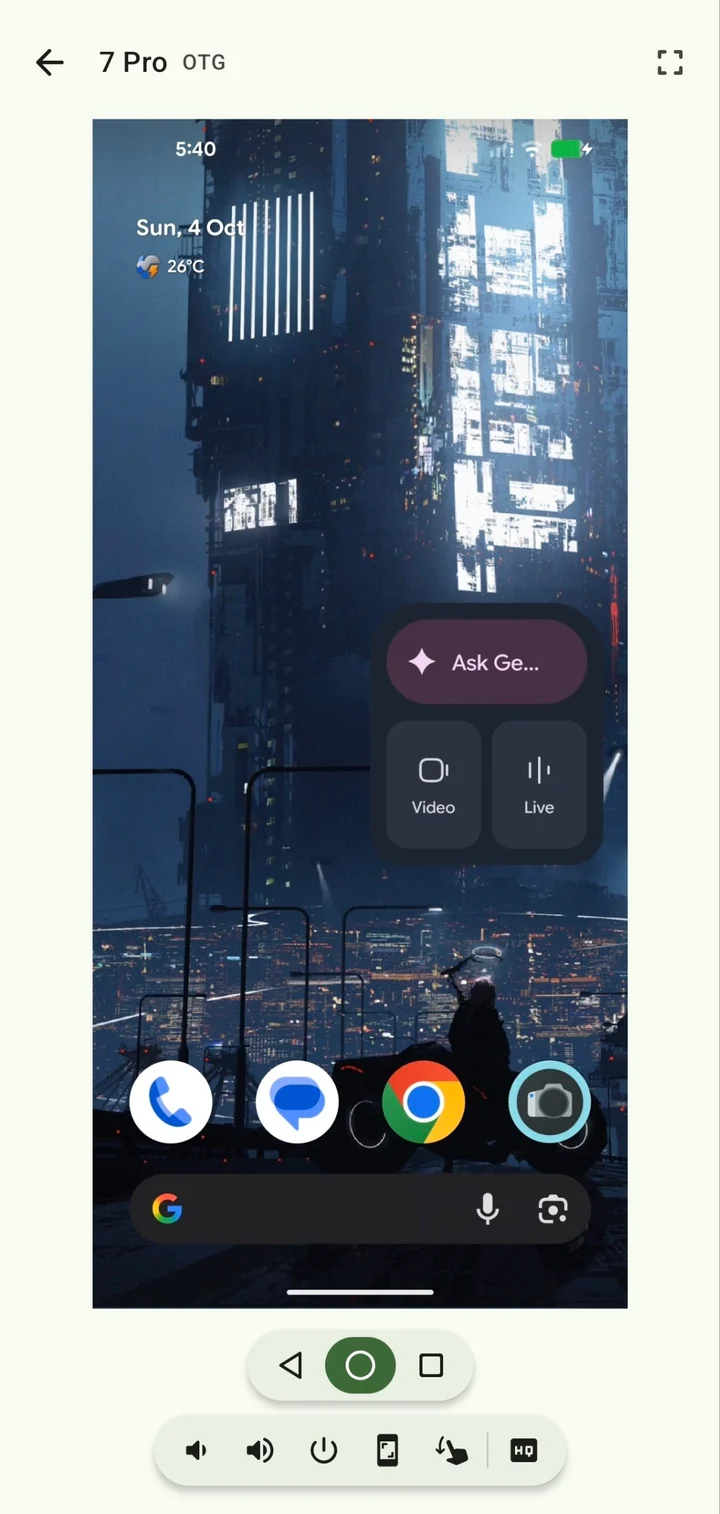
Mirror another device over USB or Wi-Fi and control it with multi-touch. Taps, swipes and pinches go straight through, and full screen keeps a floating control within reach.
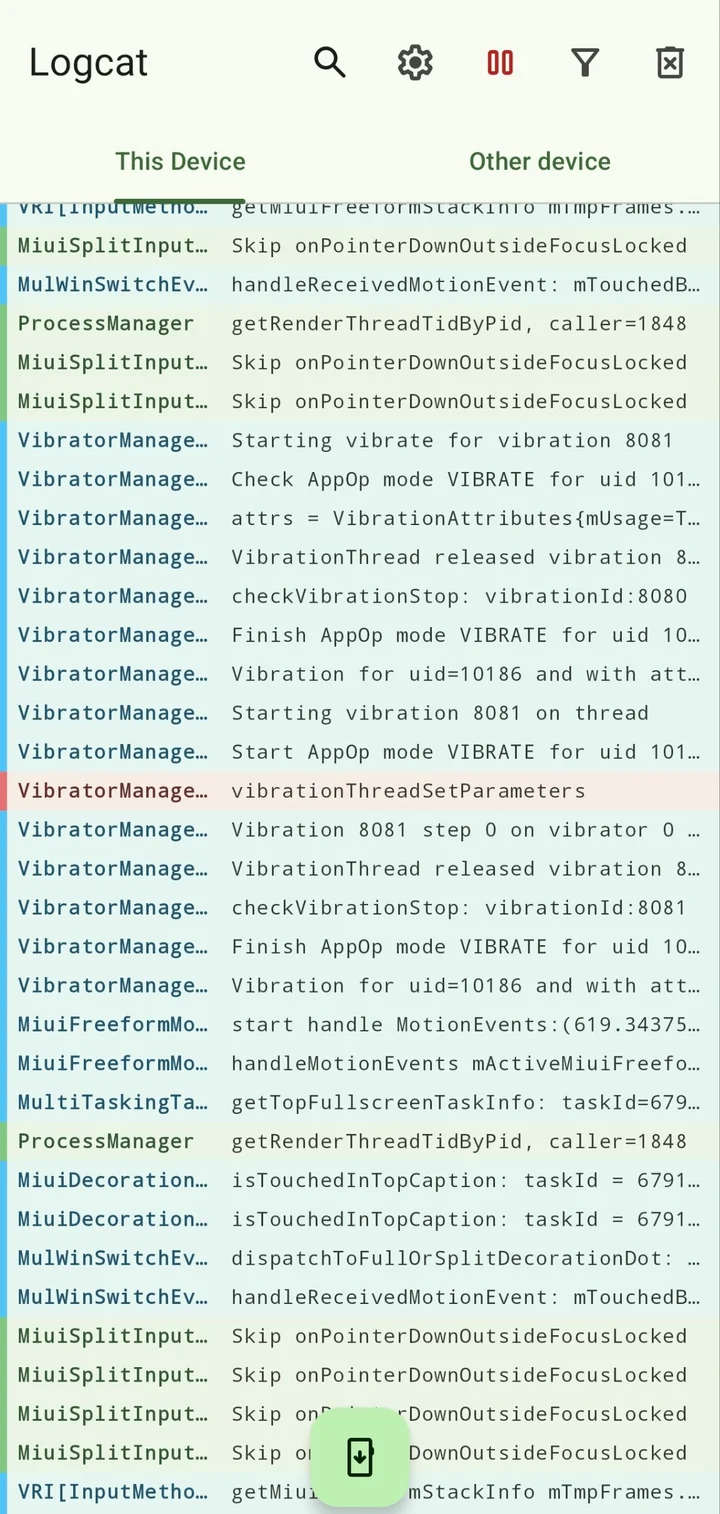
Stream logcat in a foreground service that keeps going when you switch apps. Colour bars mark each level, and filter profiles stack: include one app, exclude the noisy ones.
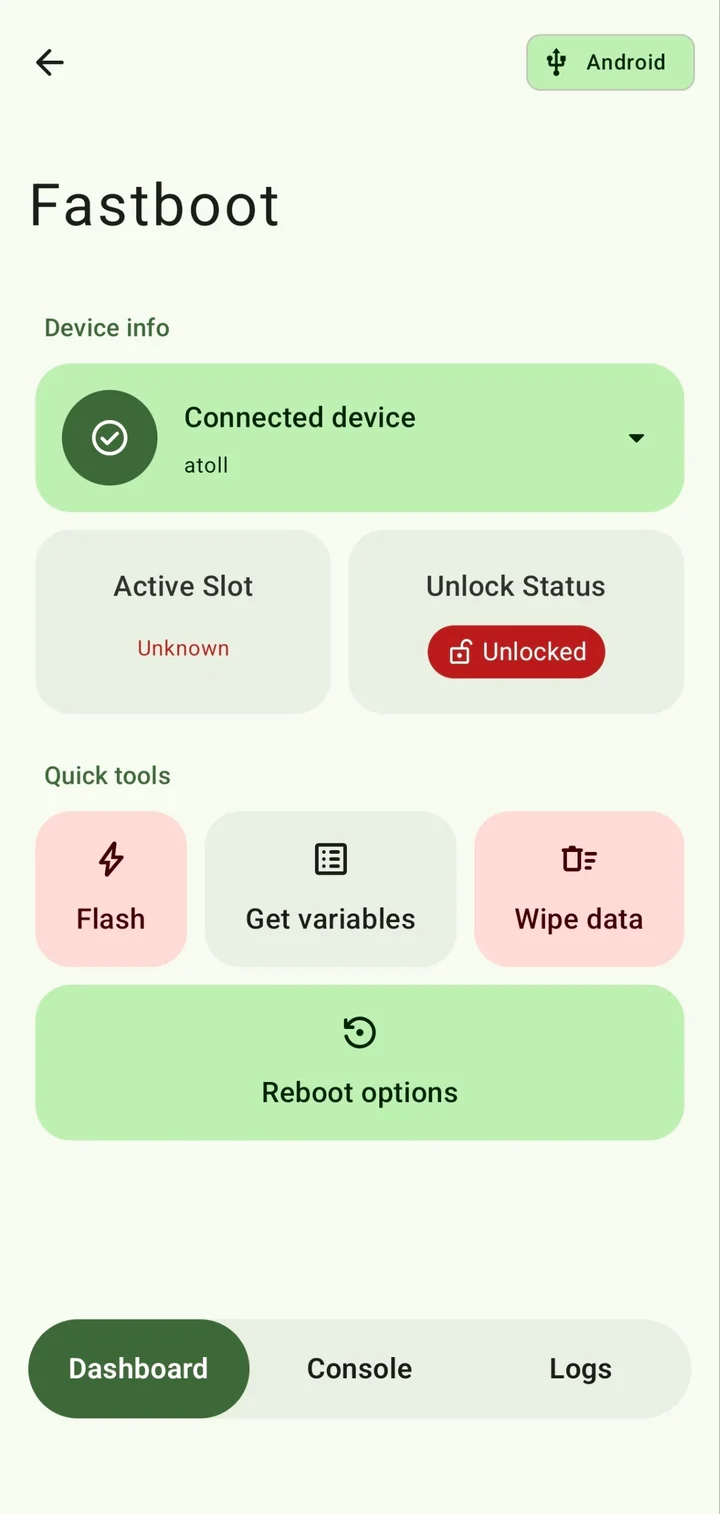
Plug in a device in bootloader mode and see its codename, slot and lock state. Flash with a slide to confirm, read variables, wipe data, or drop to the console for raw commands.
Up to ten tiles, each running a command through Shizuku or root. Try it: add a tile, then tap it.
Push and pull over Wi-Fi or OTG with real ADB sync transfers. Multi-select, copy, cut, rename, and decide what happens on conflicts.
Settings, commands, bookmarks and tiles, to an encrypted file or Google Drive. Daily, weekly or monthly.
Translated by the community on Crowdin and switchable inside the app.
Material You from your wallpaper, or one of 20 seed colours across nine palette styles. Pick a seed and this page re-themes itself the way the app does.
High contrast dark for OLED · 39 fonts, or import your own · Colour schemes you can export and share
Latest stablev7.4.0
The full build, including the ADB Agent and Google Drive backup. v8 pre-releases with mirror, logcat, fastboot and sideload land here first.
Built and signed by F-Droid from source. Ships without the AI module and Google Drive backup.
Open F-DroidUpdates through any F-Droid client with the IzzyOnDroid repository added.
Open IzzyOnDroidAndroid 9 or newer. For commands on your own phone, use Shizuku, root or wireless debugging. For another device, your phone needs nothing extra: just enable USB or wireless debugging on the target.
Setup guides on the wikiaShell You runs real commands with real permissions. A wiped partition stays wiped. Basic knowledge of ADB and Linux commands is expected.